Security · AI-Built Apps
The 5 security mistakes every AI-built app ships
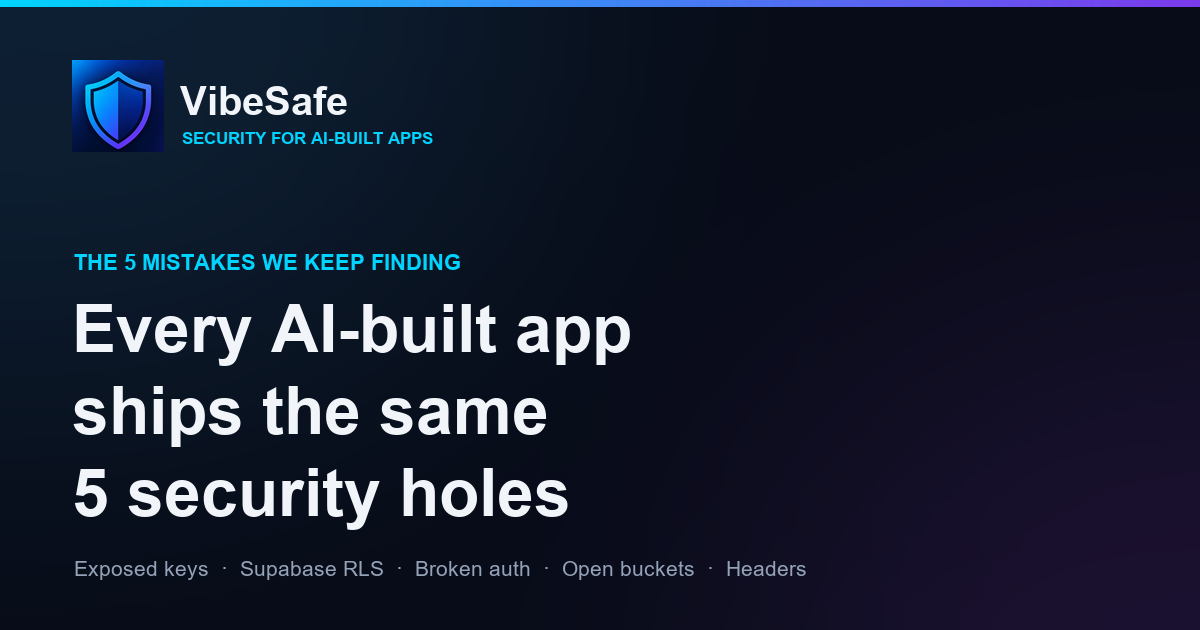
I've spent the last few weeks looking at security on apps built with AI tools — Lovable, Bolt, Cursor, Replit, v0. Different people, different products, different stacks. And yet the same five holes show up almost every single time.
None of this is because the tools are bad. It's because an AI coding assistant optimizes for "make the demo work," not "make it safe to put on the internet." Those are different goals, and the gap between them is where you get owned. Here are the five that keep coming up — what they look like, and how to check your own app.
1. Secret keys sitting in the frontend bundle
The most common one, by a mile. The AI needs to call an API, so it drops the key straight into client-side code:
// This ships to every visitor's browser
const supabase = createClient(url, SERVICE_ROLE_KEY);
const stripe = new Stripe("sk_live_51H...");
Anything in your frontend bundle is public. Open DevTools → Sources, or just view-source, and it's right there. A service_role key or an sk_live_ secret in the browser means anyone can read/write your whole database or hit your payment provider as you.
The nuance that trips people up: not every key is a secret. A Supabase anon key (sb_publishable_...), a Firebase apiKey, or a Stripe publishable key (pk_live_) are designed to be public — they're safe in the frontend as long as your access rules are correct (see #2). The dangerous ones are service_role, sk_live_/sk_test_, and anything labeled "secret."
service_role, sk_live, SECRET, PRIVATE_KEY. If a truly secret key is there, rotate it immediately and move it server-side.2. Supabase Row Level Security never got turned on
This is the big one for anything using Supabase. You create a profiles or orders table, the app works great in testing… because RLS is off, so every row is readable by anyone with the (public) anon key.
-- Table created, RLS never enabled = the whole table is public
create table orders (id uuid, user_id uuid, total numeric, card_last4 text);
Since the anon key is in the frontend (correctly!), a stranger can open a console and run:
const { data } = await supabase.from('orders').select('*'); // everyone's orderspublic should say RLS enabled, with policies that actually scope rows to the user (auth.uid() = user_id). "RLS is on" is not enough — a policy of true is the same as off.3. Auth checks that only exist in the UI
The app hides the admin button unless you're an admin. Feels secure. But the route underneath has no check:
// Frontend hides the link... but the endpoint is wide open
app.post('/api/admin/delete-user', async (req, res) => {
  await db.deleteUser(req.body.id); // no auth check at all
});
Hiding a button is not access control. Anyone can call the endpoint directly with curl.
4. Storage buckets left public
AI tools love to set a storage bucket to public so image uploads "just work." Then user IDs, receipts, or private uploads are all listable by URL.
5. No security headers on the deployed site
Missing Content-Security-Policy, X-Frame-Options, Strict-Transport-Security. On its own this is lower severity, but it's the difference between a clickjacking or XSS attempt bouncing off and landing.
How to actually check all of this
You can go through the list above by hand — and honestly you should understand each one. But when you want a faster pass, there's now a whole category of scanners built specifically for AI-generated apps. They fall into two buckets: URL scanners that probe your deployed app, and code-aware scanners that read your source.
We wrote an honest, side-by-side comparison of the main options — VibeSafe, Vibe App Scanner, CheckVibe, Snyk, Semgrep and AuditYourApp — including which fits which situation: Best Vibe Coding Security Scanners (2026). VibeSafe scans both your code and your live URL and explains every issue in plain English, which is why we built it — but use whatever gets you to check before you launch instead of after.
Check your app for all five
VibeSafe reads your code for exposed keys, missing RLS and broken auth, and scans your live URL for missing security headers — with one-click AI fixes on a free account.
Scan your app free →No signup to try · Code or live URL
The one takeaway
If you built something with AI and you only do one thing from this post: check that your Supabase tables have real RLS policies and that no service_role/sk_live_ key is in your frontend. Those two cover the majority of the serious breaches in vibe-coded apps. Ship fast — just check the locks before you hand out the address.
Related: